
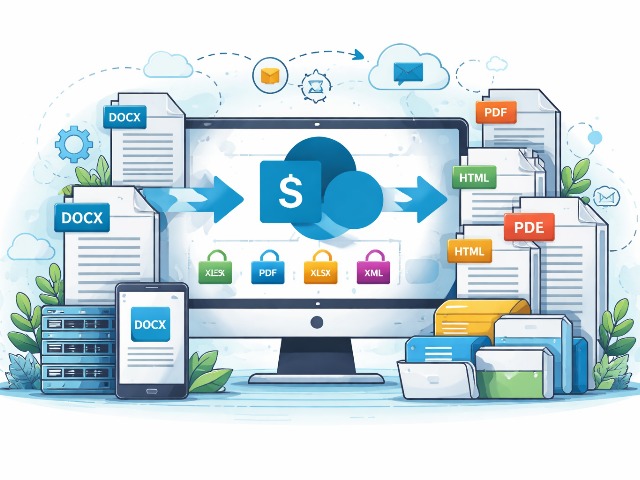
Converting documents into formats that are more compatible with other users’ working environments is similar to converting audio files into different portable audio formats.

There are tools available to assist with this. These features are sometimes built into the application used to create the document. In other cases, searching Google for “document conversion SharePoint” will return a number of third-party document conversion providers.
Document Conversion in SharePoint
SharePoint Document Conversion Capabilities
In SharePoint Online and modern SharePoint Server editions, Microsoft Word documents, forms, and XML files can be converted using document converters and built-in services. Administrators who want to take full advantage of SharePoint’s capabilities can leverage these native features within Microsoft 365.
Integrated Conversion Tools in SharePoint
Current versions of SharePoint include integrated conversion tools that transform Microsoft Word documents into web-friendly formats, making document conversion in SharePoint both more flexible and easier to manage.
Using a Document Converter in SharePoint
Once a document converter is installed, users can initiate the process by accessing the associated internal SharePoint site. While converting documents into web-friendly formats offers clear advantages, there are still some limitations to consider, particularly around supported file types.
Supported File Formats and Limitations
In modern SharePoint Online and current SharePoint Server versions, conversion features primarily support Word documents created in the Open XML format (.docx). Documents in older formats must first be converted to a supported standard before they can be processed.
Unsupported Dynamic Content
Dynamic content generated from external data sources is not supported by the converter. Documents that rely on runtime data, such as those created with Office InfoPath, cannot display dynamically generated entries after conversion.
Static Content Requirements
In modern SharePoint versions, document conversion supports static content only. Users are therefore strongly advised to convert static documents rather than files that depend on dynamic or external data.
Key Technical Requirements
- Supported Input Formats: DOCX, DOC, DOTX, RTF, HTML, MHTML, XML
- Output Formats: All input formats + PDF, XPS
- IRM Protection: Converted copies retain Information Rights Management restrictions
- Scope: Converters are enabled at the Web Application level (cannot be disabled per site/library)
On the enterprise level, for automated bulk conversion in SharePoint Online Power Automate is the modern recommended direction and for SharePoint Server organizations, workflow extensions or custom development using the conversion API.