
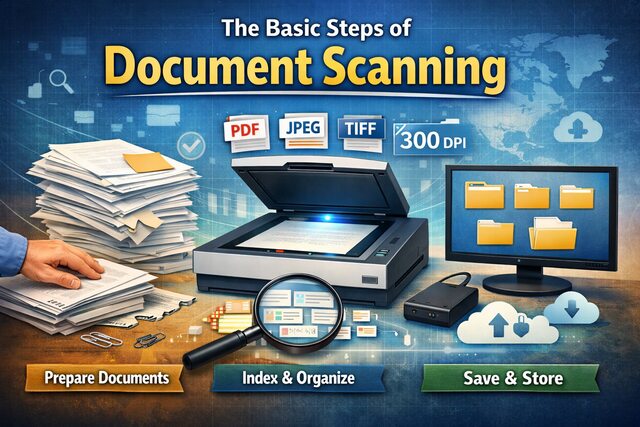
In the present-day workspaces, newer technologies are being used to make the workflow more consolidated and easy flowing. The old ways of working in offices are making way for the newer, more digitally approved ways. Document scanning is one such process.

The Document Scanning Process
Previously, one would store numerous documents in hard copies – which would need to be painstakingly indexed and would also take up storage space. But most importantly, these papers made the work process slower – as getting access to the right files and digging them up took quite some time. Hence, scanned copies of documents have become popular. Given below is the step-by-step guide to how such scanning is to be done.
First prepare the documents
Even before you get on with the actual scanning process, it is important to have the documents prepared for scanning. Under normal circumstances, documents are kept tied up, or pinned or stapled. Now, you cannot possibly put the documents in the scanning machine with those on it. So make the documents fit for scanning by pulling out the pins, removing the staples and strings. If any paper is folded, unfold it properly and keep it that way. You must keep the documents in the right sequence, though, for the document scanning.
Set the requirements
Make sure that the hardware and software you will be using are compatible for maintaining the standard of scanned documents that you need. You have to set the format you would like to save the scanned document in. There are various formats like JPEG, TIFF, PDF, etc. For better clarity in the scanned documents, you have to set the right resolution for it too. An average of 300 dpi is usually good for most documents. If you have a clean, black and white word document, then a 200 dpi resolution will also suffice. On the other hand, if the document to be scanned is heavy with colorful images, then you would need a high resolution of 400 dpi. Setting these factors before the actual document scanning is important in order to ensure good and usable quality of scanned documents.
Set the indexing method
Scanning the documents but not indexing them properly is a common mistake – which will result in you doing double work in re-indexing the scanned images. Without a proper index, you will be lost when trying to find a particular image. So, create separate folders where you wish to put a particular category of documents.
Scan the documents
Once all the above steps are fulfilled, simply start the document scanning. Put the document evenly on the scanner, and make sure no part of it stays out – or you will get a half-scanned image. Now, when you are scanning, name and number the scanned documents in the right sequence and save them in the right folders – the ones you created in the previous step. Once this entire process is done, check the scanned images once more to see if they are legible and usable. Your document scanning process is complete.